How to play Sega Genesis online — Mega Drive in your browser
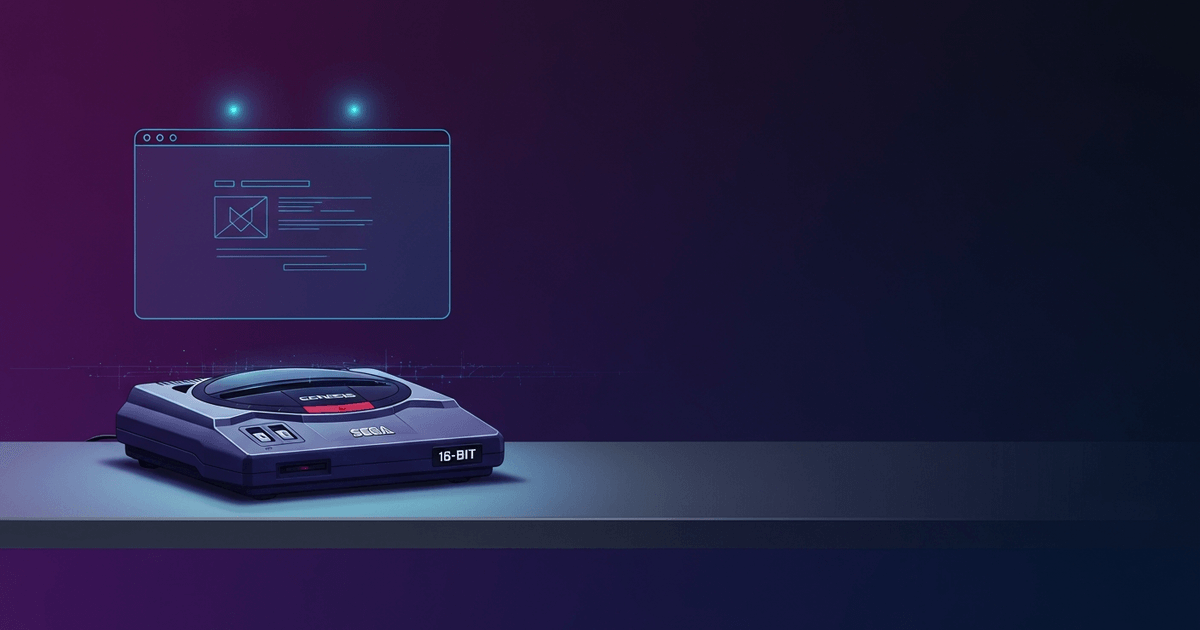
Play Sega Genesis online for free with no download using EmulatorJS and the Genesis Plus GX core. Covers 6-button pads, PAL/NTSC quirks, and region differences.
作者: RGS Editorial · 发布: · 更新:
由 RGS Editorial 于 最后审核
Genesis and Mega Drive — same console
You can play Sega Genesis online for free, directly in your browser, with no download required. RGS uses the Genesis Plus GX core inside EmulatorJS to run the same ROM on any desktop or mobile browser. Whether the label on your cartridge says 'Genesis' (North America) or 'Mega Drive' (Europe, Japan, Brazil, Australia), the hardware is the same Motorola 68000-based system released by Sega in 1988 in Japan and 1989 in North America.
Sega sold the console as the Mega Drive everywhere except North America, where the Genesis name was used to avoid a trademark conflict. The two names refer to identical core hardware, so a guide that says 'Mega Drive emulator browser' and one that says 'Genesis emulator' are describing the same emulation target. The only real differences between regional hardware variants are the lockout circuitry, the cartridge slot shape, and the video output standard — all of which are handled in software by Genesis Plus GX.
The 32X add-on and the Sega CD (Mega CD outside North America) are separate platforms with different CPU configurations and different core requirements. Neither runs on the standard Genesis Plus GX core used here. A companion guide covering those platforms is planned — watch the how-to index for it.
Quick start — load a game now
Playing genesis online free on RGS takes under a minute from a cold start. Every game listing on the site embeds the EmulatorJS player pre-configured with the Genesis Plus GX core; you do not need to select a core or configure BIOS files for most games. Click the player, wait for the ROM to load (load times depend on your connection — most ROMs are under 4 MB), and the game starts.
- Open any Genesis or Mega Drive game page on RGS and click the play button in the center of the embedded player.
- Wait for the progress bar to reach 100%; the emulator initializes automatically once the ROM is fully buffered.
- Press Enter or tap the on-screen Start button to get past the title screen — the default keyboard mapping binds Enter to Start.
- If the game does not respond to your keyboard, click once inside the player canvas to give it focus, then try again.
- To use a USB or Bluetooth gamepad, connect it before clicking the player; EmulatorJS reads gamepads through the Web Gamepad API supported in Chrome 21+, Firefox 29+, and Edge 12+.
The on-screen overlay controls work on touchscreen devices but introduce input latency compared to a physical pad — typically 1-2 frames on a mid-range phone. For action games that require precise timing, a wired USB controller is the most reliable option. Bluetooth pads work but can add variable latency depending on your device's Bluetooth stack.
地区差异——NTSC、PAL与NTSC-J
Genesis与Mega Drive共推出三个地区版本:NTSC-U(北美,60 Hz)、NTSC-J(日本,60 Hz)以及PAL(欧洲、澳大利亚、巴西,50 Hz)。NTSC与PAL主机的核心硬件时钟频率略有不同,这会影响游戏运行速度。Genesis Plus GX通过软件层面模拟地区设置——对于Genesis ROM,播放器默认采用NTSC-U;对于Mega Drive ROM,则根据ROM头部信息自动检测地区。
日版Mega Drive ROM(NTSC-J)与北美Genesis ROM同样运行在60 Hz频率下,因此在这两个地区之间切换时不存在速度差异。实际上的区别主要体现在语言方面:日区ROM显示日文文本,并且有少数游戏是日本独占发行,从未推出本地化版本。如果您在加载日版ROM时看到乱码字符,该ROM可能需要日版BIOS——请在RGS上查阅对应游戏页面的BIOS说明。
PAL区ROM存在一个较为显著的问题。PAL版Mega Drive硬件的主68000 CPU运行频率约为7.61 MHz,而NTSC版本约为7.67 MHz,视频输出频率也从60 Hz降至50 Hz。许多PAL移植版并未进行速度校正,这意味着游戏实际运行速度比开发者预期慢约17%。Genesis Plus GX能够精确模拟PAL时序——在PAL地区模式下加载PAL ROM将完整复现这种偏慢的运行速度。如果您希望以开发者所设计的节奏体验游戏,请改为加载NTSC-J或NTSC-U版本。
- NTSC-U(Genesis):60 Hz,CPU约7.67 MHz——北美标准速度。
- NTSC-J(Mega Drive日本版):60 Hz,CPU约7.67 MHz——速度与NTSC-U相同,仅语言不同。
- PAL(Mega Drive欧洲/澳大利亚版):50 Hz,CPU约7.61 MHz——运行速度低于NTSC,除非游戏内置速度校正代码。
- 地区锁定:真实硬件通过卡槽缺口和软件检测实现锁区;Genesis Plus GX默认绕过这两种限制。
为何某些游戏在线运行时速度更快
如果某款游戏的感觉比您记忆中用真实电视游玩PAL卡带时更快,那几乎可以肯定是PAL 50 Hz时序与NTSC 60 Hz时序之间差异所致。RGS对大多数Genesis ROM默认采用NTSC-U设置。一款在PAL版Mega Drive上以每秒50帧运行的游戏,在NTSC模式下将以每秒60帧运行——帧率提升了20%,这直接体现为角色移动速度加快、音乐音调升高以及画面滚动速度加快。
反过来的情况同样可能发生。如果您加载了一个PAL ROM,且播放器自动检测到PAL地区模式,那么即使您的显示器支持60 Hz,游戏依然会以50 Hz运行。现代显示设备会通过复制帧或引入抖动的方式来处理这种情况。主观感受上,画面会略显不流畅或迟滞,但这并非模拟错误——这是准确还原的PAL行为。在播放器设置中将地区切换为NTSC-U,即可对任意ROM实现60 Hz输出。
还有一个与地区无关的速度差异来源:浏览器标签页节流。基于Chromium的浏览器会将后台标签页中的JavaScript定时器节流至约1 Hz。如果您在游戏运行过程中切换离开RGS标签页,EmulatorJS可能会落后于实际时间,并在标签页重新获得焦点时快速追赶进度。游玩时请保持游戏标签页处于前台,以避免此问题。Firefox的行为与此类似;在大多数浏览器中,Web Gamepad API也会在后台标签页中暂停轮询。
常见问题
- 我可以不下载任何内容就在线游玩世嘉Genesis游戏吗?
- 可以。RGS将ROM直接流式传输至在您浏览器中运行的EmulatorJS播放器——无需下载即可在线玩世嘉游戏正是其设计初衷。无需安装任何插件、应用程序或文件。唯一的要求是浏览器支持WebAssembly,这涵盖了2017年之后发布的所有主流浏览器。
- Genesis Plus GX核心是否支持Sega CD或32X游戏?
- 不支持。Sega CD(Mega CD)和32X需要使用各自独立的核心,配置方式也有所不同,其中Sega CD还需要BIOS文件。本指南不涵盖这些平台。关于Sega CD和32X模拟的专项配套指南计划在RGS未来的文章中发布。
- Why does Street Fighter II play differently without 6-button mode?
- Street Fighter II: Special Champion Edition on the Genesis detects whether a 6-button pad is connected. Without it, the game maps three attack strengths (light, medium, hard) across three buttons instead of six, changing how special move shortcuts work. Enabling 6-button mode in the RGS player overlay restores the intended control scheme.
- What is the difference between a Genesis ROM and a Mega Drive ROM?
- They are the same file format (.bin or .md) running on the same emulated hardware. The naming difference is purely regional — Sega called the console Genesis in North America and Mega Drive elsewhere. A ROM labeled 'Mega Drive' will load and run in any Genesis Plus GX instance without conversion.
- Why does my PAL Mega Drive game run slower than I expected?
- PAL Mega Drive hardware ran at 50 Hz, and many PAL game conversions were not speed-corrected. If Genesis Plus GX auto-detects a PAL ROM and sets the region accordingly, it accurately reproduces that slower 50 Hz timing. Switching the region setting to NTSC-U in the player will run the same ROM at 60 Hz.
- Can I use a USB controller to play Genesis games in the browser?
- Yes, provided your browser supports the Web Gamepad API — Chrome 21+, Firefox 29+, and Edge 12+ all do. Connect the controller before clicking the player canvas, and EmulatorJS will detect it automatically. Wired USB pads have lower latency than Bluetooth options; Bluetooth latency varies by device and can affect timing in fast-paced games.